
Opening: why this problem matters
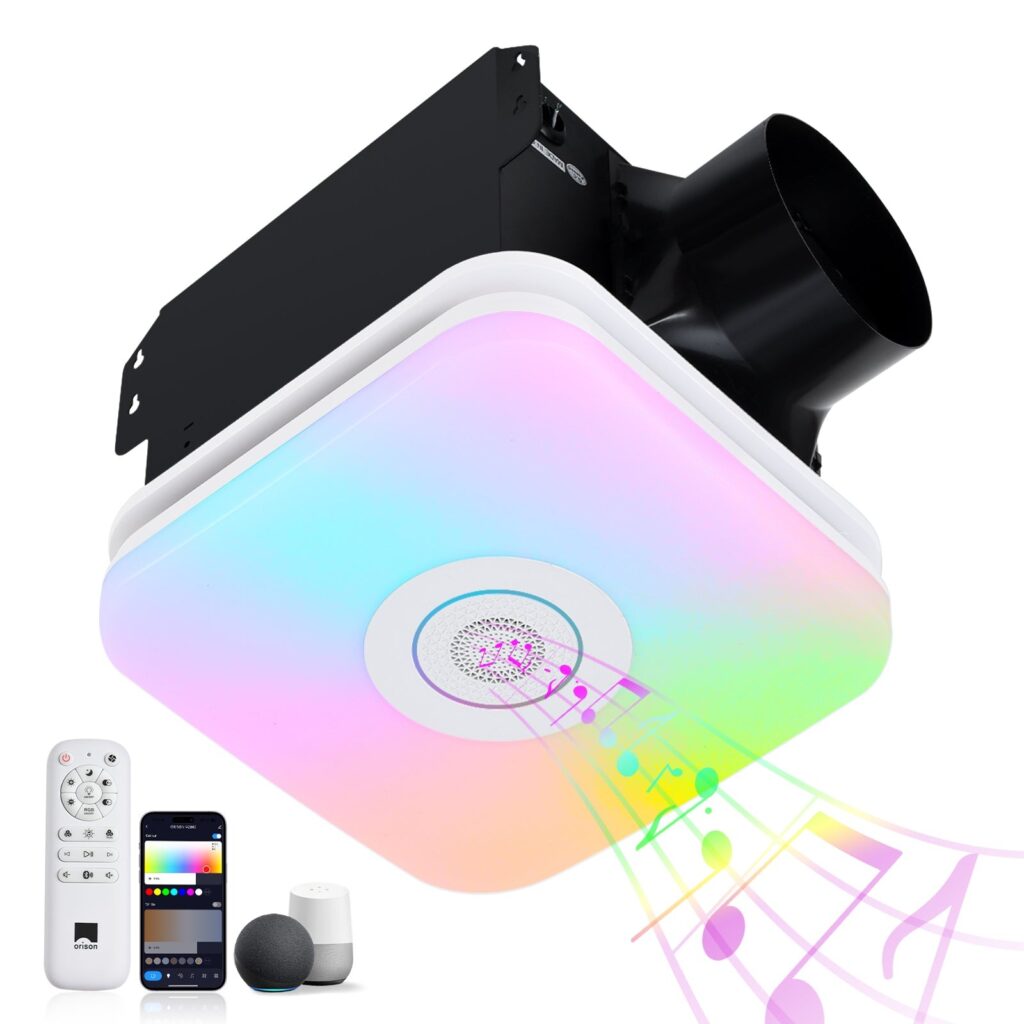
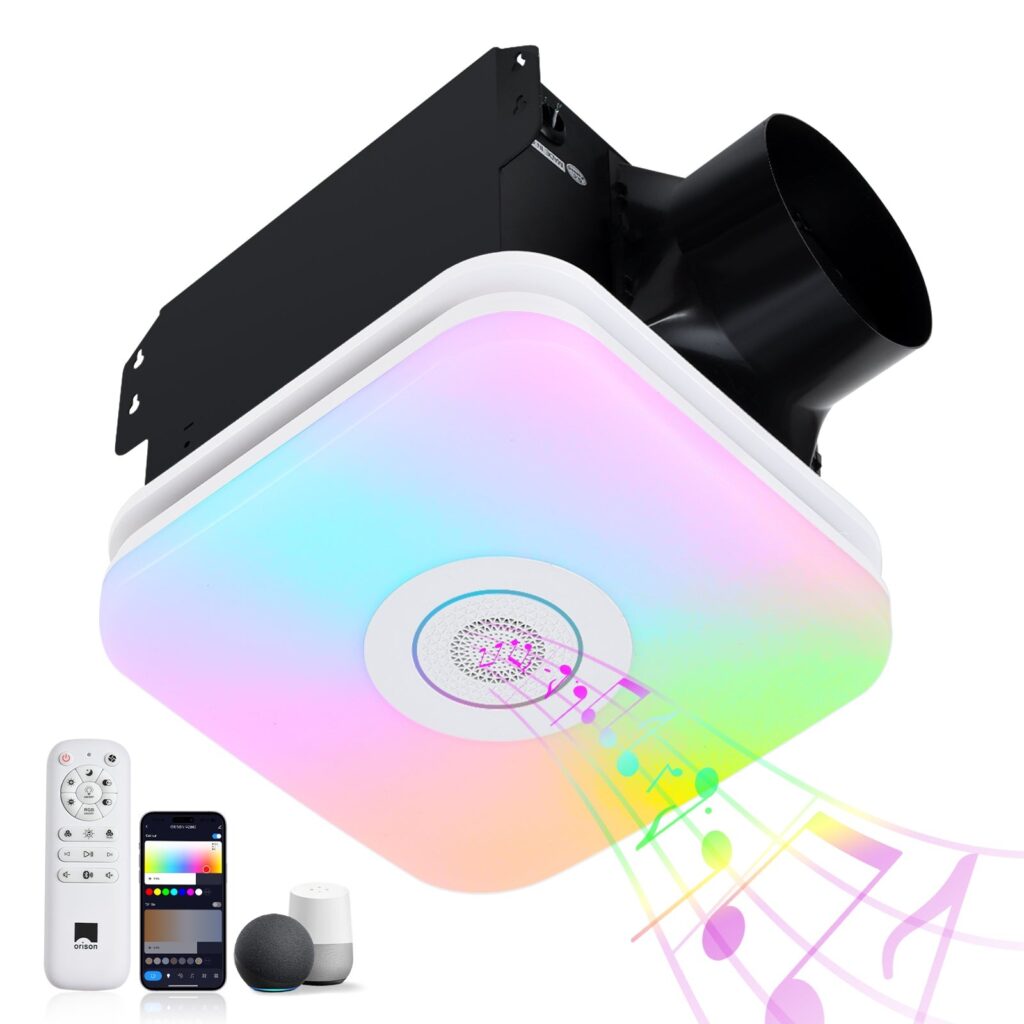
Smart patio fans promise comfort and convenience, but when the light works and the motor stutters — or the remote response lags — that convenience evaporates fast. This playbook takes a problem-driven view: identify the symptoms, isolate the cause, and apply fixes that are practical for homeowners and installers alike. You’ll see parallels to other smart fixtures — for example, the networking quirks that affect a bathroom exhaust fan with light often mirror what trips up an outdoor fan: radio bands, firmware, and humidity-related hardware degradation.
The typical symptoms and what they indicate
Most users report one of three visible problems: intermittent connectivity (fan drops from the app or hub), slow remote response (a second or more of latency between button press and action), or complete unresponsiveness from either physical remote or smartphone. Intermittent drops often point to Wi‑Fi band mismatch or RF interference; slow responses suggest latency or cloud-dependence; full failure can be power, pairing, or hardware fault (motor controller or IR/RF receiver). Industry terms to know: 2.4 GHz vs 5 GHz bands, BLE pairing, and firmware versioning — they’re the technical shorthand for these behaviors.
A real-world spot check — a patio test I ran
In one hands-on check at a midsize Portland patio, the fan would accept commands from the wall remote reliably, but the smartphone app showed 30–60 second delays. I measured weak RSSI at the fan location and found the router set to band-steering (favoring 5 GHz). After forcing the fan to 2.4 GHz and updating firmware, latency dropped below a second. That field test reinforced a common point: environmental factors and router settings, not the fan alone, usually cause symptoms.
Step-by-step troubleshooting checklist
Work from simple to complex. This sequence shortens time-to-fix and reduces needless resets.
- Confirm basic power and hardware: ensure the fan and light get steady power and that the remote has fresh batteries.
- Check local control: does the physical remote or wall switch work? If yes, issue is likely network/app related; if no, check the receiver board or motor controller.
- Verify network band and signal: smart fans commonly use 2.4 GHz Wi‑Fi or BLE. Move a phone to the fan location and check signal strength (RSSI). If weak, try a mesh node or Wi‑Fi extender positioned closer.
- Eliminate interference: garden lights, microwave ovens, and nearby Zigbee devices can create RF noise. Temporarily switch off suspected sources to test behavior.
- Update firmware and app: manufacturers push fixes for pairing and latency problems — always match firmware versions and clear cached app data before re-pairing.
- Factory reset and re-pair as last resort: follow the vendor’s sequence precisely; a partial pairing often produces ghost devices and high latency.
Common mistakes to avoid
People often assume the fan is the problem and skip network checks — a misstep. They also neglect to check router settings like band steering or AP isolation, which can block device-to-hub traffic. Another frequent mistake: replacing hardware before testing a wired or local-control workaround — and thus incurring unnecessary cost. —
When the remote lags but local controls are fine
If the wall switch or physical remote remains responsive but the app lags, the issue is almost always network/cloud related. Many smart fans use cloud relays for app commands; that adds latency and a point of failure. To reduce lag, enable local control (if available), or integrate the fan with a home hub (local processing) rather than relying solely on the vendor’s cloud. Terms here: latency, local hub, and mesh networking.
Humidity, Bluetooth devices, and relevant comparisons
Outdoor fans face humidity and corrosion more than indoor fixtures. If your setup uses Bluetooth or references similar devices like a bluetooth exhaust fan for bathroom, remember that BLE signal attenuation and condensed moisture can reduce receiver sensitivity. In bathrooms and patios alike, IP rating, conformal-coated PCBs, and sealed connectors matter for long-term stability.
Compatibility and integration choices
Decide whether you want direct app control, hub integration (Zigbee/Z‑Wave/Local MQTT), or a simple RF remote. Hub-based setups usually lower latency and improve reliability because they avoid constant cloud roundtrips. If you run a smart home with voice assistants, check whether the fan supports proven protocols or requires a proprietary bridge.
Three golden rules for choosing or fixing smart fans (Advisory)
1) Prioritize connectivity resilience: measure signal strength at the install point and prefer 2.4 GHz support or native BLE with documented RSSI tolerances. 2) Insist on firmware transparency: choose vendors with clear update policies, rollback options, and changelogs so you can trust fixes for pairing and latency. 3) Keep local fallback: always have a reliable physical remote or local-control mode so basic lighting and fan functions survive cloud outages.
When those three metrics are in place, you get predictable, low-latency performance and fewer support calls. Orison
Final thought: tangible fixes first — then architectural changes; test, measure, repeat.